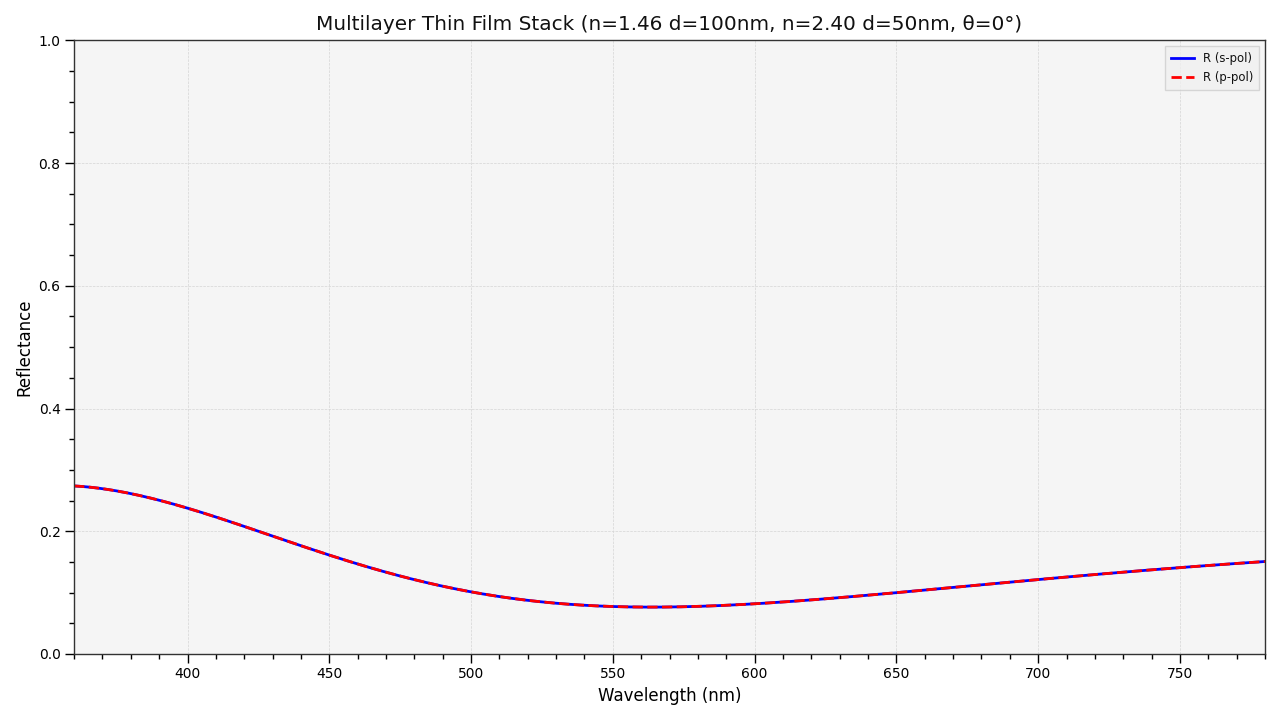
colour.plotting.plot_multi_layer_thin_film#
- colour.plotting.plot_multi_layer_thin_film(n: ArrayLike, t: ArrayLike, theta: ArrayLike = 0, shape: SpectralShape = SPECTRAL_SHAPE_DEFAULT, polarisation: Literal['S', 'P', 'Both'] | str = 'Both', method: Literal['Reflectance', 'Transmittance', 'Both'] | str = 'Reflectance', **kwargs: Any) Tuple[Figure, Axes][source]#
Plot reflectance and/or transmittance of a multi-layer thin film stack.
- Parameters:
n (ArrayLike) – Complete refractive index stack \(n_j\) including incident medium, layers, and substrate. Shape: (media_count,) or (media_count, wavelengths_count). The array should contain [n_incident, n_layer_1, …, n_layer_n, n_substrate].
t (ArrayLike) – Thicknesses \(t_j\) of the layers in nanometers (excluding incident and substrate). Shape: (layers_count,).
theta (ArrayLike) – Incident angle \(\theta\) in degrees. Default is 0 (normal incidence).
shape (SpectralShape) – Spectral shape for wavelength sampling.
polarisation (Literal['S', 'P', 'Both'] | str) – Polarisation to plot: ‘S’, ‘P’, or ‘Both’ (case-insensitive).
method (Literal['Reflectance', 'Transmittance', 'Both'] | str) – Optical property to plot: ‘Reflectance’, ‘Transmittance’, or ‘Both’ (case-insensitive). Default is ‘Reflectance’.
kwargs (Any) – {
colour.plotting.artist(),colour.plotting.render()}, See the documentation of the previously listed definitions.
- Returns:
Current figure and axes.
- Return type:
Examples
>>> plot_multi_layer_thin_film(
...     [1.0, 1.46, 2.4, 1.5], [100, 50]
... )
(<Figure size ... with 1 Axes>, <...Axes...>)